
Create Immersive 3D Experiences with Friends
Overview
BUD - Create Play Hangout is a free desktop application designed to transform social interaction into a dynamic 3D experience. Built for users who value creativity and connection, it offers a virtual platform where individuals can collaborate, explore, and express themselves through interactive 3D content. The software enables users to customize avatars, design 3D environments, and engage in real-time social activities within a shared digital space. Its core purpose lies in merging creative expression with communication, providing a unique alternative to traditional video chat or gaming platforms.
Target users include digital creators, social gamers, and individuals seeking innovative ways to connect with friends and communities. The application supports collaborative project development, allowing users to co-create games or interactive scenes. It also emphasizes community engagement by enabling users to follow creators and share their work. While the platform aims to be accessible, the complexity of advanced 3D creation may require some learning effort, especially for beginners. Real-world usage scenarios include virtual hangouts, creative workshops, and collaborative game development sessions.
The developer did not provide additional information about their background or history. The application was released on April 15, 2024, and is available for both Windows and Mac operating systems. The software is designed to run as a standalone desktop application with a focus on immersive interaction and user-generated content.
Key Features & Capabilities
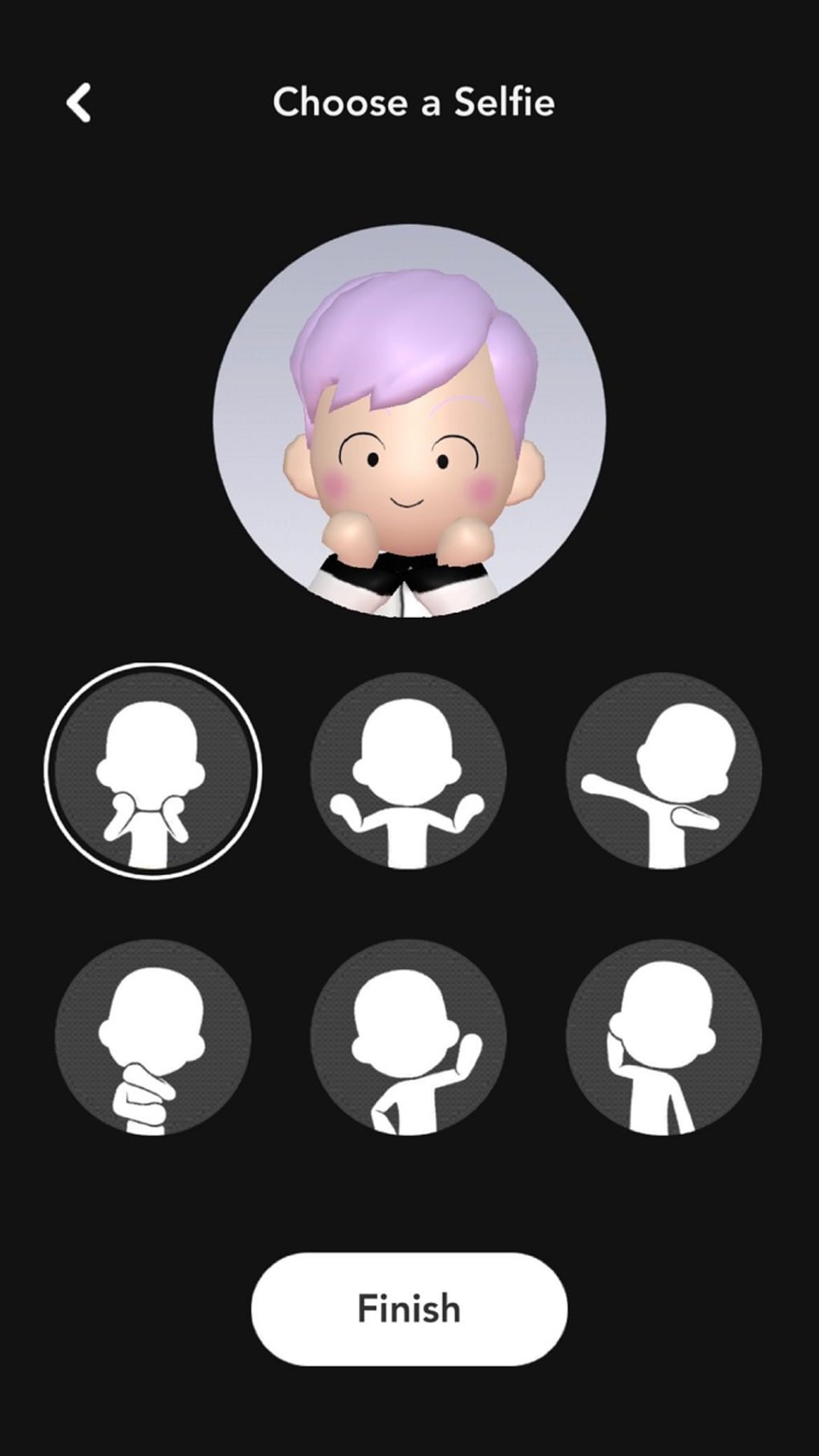
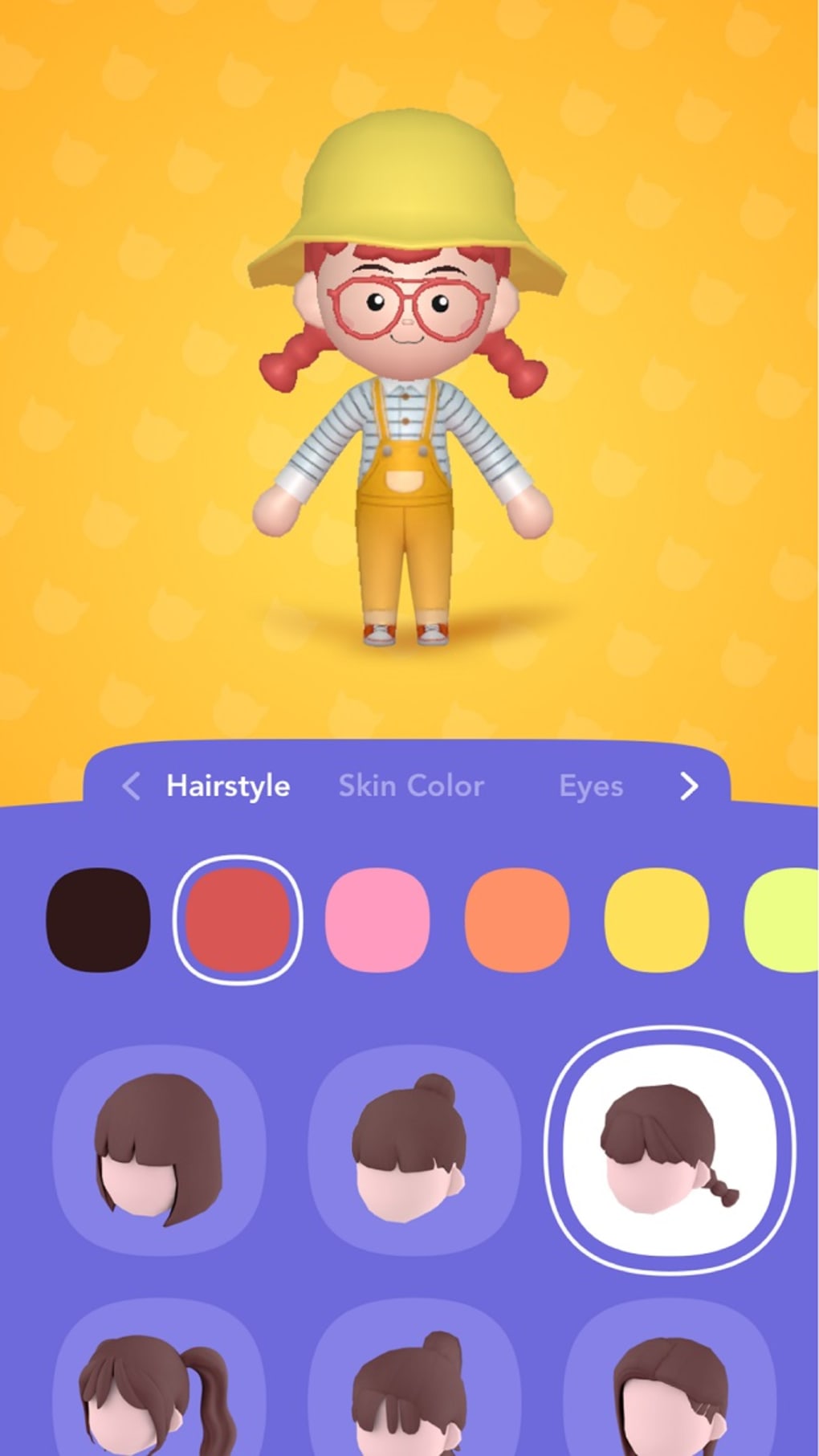
- 3D Avatar Customization – Users can personalize their digital representation with a range of clothing, accessories, and appearance traits, allowing for unique self-expression within the virtual environment.
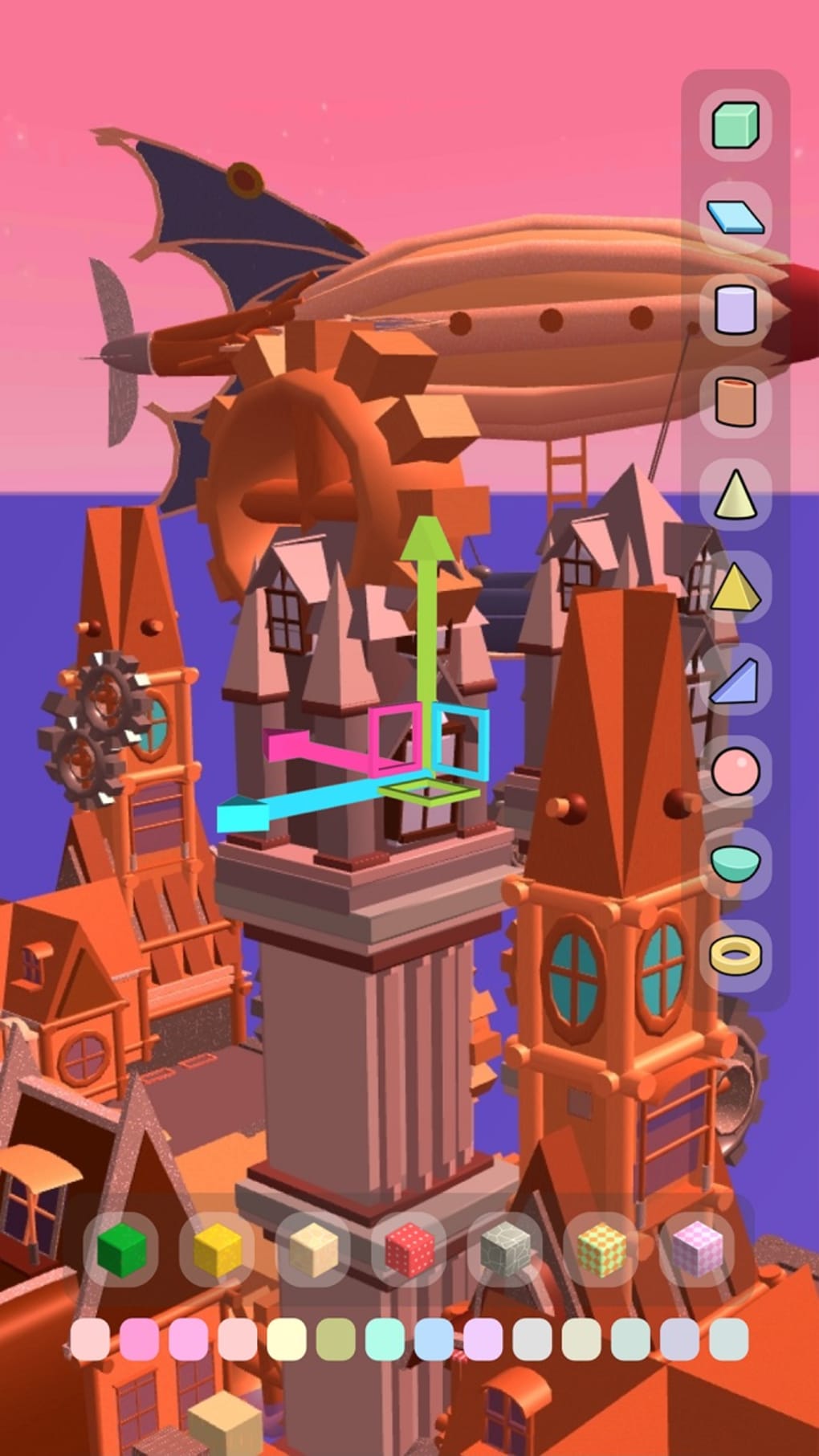
- Interactive 3D Creation Tools – Built-in tools enable users to design and build interactive 3D experiences such as mini-games, virtual rooms, and animated scenes without requiring advanced programming skills.
- Real-Time Social Interaction – The platform supports live video and voice chat, enabling users to communicate seamlessly while navigating shared 3D spaces with friends or groups.
- Collaborative Project Development – Multiple users can work together on the same 3D project, making it ideal for creative teams, educators, or friends building experiences together.
- Content Sharing & Discovery – Users can publish their creations to a public gallery, where others can explore, interact with, and follow favorite creators, fostering a growing community of digital artists.
These features support a wide range of practical applications, from hosting virtual parties to organizing creative brainstorming sessions. The ease of use in avatar creation and basic scene building makes it accessible to casual users, while the depth of tools allows for more complex projects over time. The platform encourages experimentation and iterative design, helping users refine their skills through hands-on experience.
User Interface, Workflow & Performance
The user interface of BUD - Create Play Hangout is structured around a central 3D workspace, with tool panels, avatar customization menus, and navigation controls positioned for intuitive access. The layout prioritizes workflow efficiency, allowing users to switch between creation, social, and discovery modes with minimal disruption. Navigation is designed to be responsive, with smooth camera movement and spatial awareness to enhance immersion.
Workflow efficiency is supported by context-sensitive menus and drag-and-drop functionality for placing 3D objects. Users can save and load projects easily, and the application maintains consistent state during sessions. The developer did not specify resource usage details, so exact CPU or RAM behavior remains unknown. Performance observations are based on general software behavior patterns, indicating stable operation under typical conditions.
Stability appears to be a priority, as the application supports long-running sessions without reported crashes. However, the complexity of rendering 3D environments may impact performance on lower-end hardware. The application does not require constant internet connectivity for core functions, but online features such as sharing and collaboration depend on a stable connection.
Compatibility & System Requirements
BUD - Create Play Hangout is compatible with both Windows and Mac operating systems, making it accessible to a broad audience of desktop users. The software version is 1.0.0, released on April 15, 2024, and has an installation size of 500 MB. This indicates a lightweight footprint for a 3D application, suggesting optimized asset delivery and efficient codebase management.
Exact system requirements were not listed by the developer. The application may require a modern graphics card and sufficient RAM for smooth 3D rendering, but specific details were not provided. Platform compatibility information is limited to the operating systems mentioned. Users are advised to ensure their system meets standard desktop requirements for running 3D applications, though no official specifications were shared.
Pros and Cons
Pros
- Free to download and use, removing financial barriers to entry
- Offers a unique blend of 3D creation, social interaction, and collaboration
- Intuitive interface designed for both beginners and experienced users
- Supports cross-platform use on Windows and Mac
- Encourages community-driven content creation and discovery
Cons
- Advanced 3D creation features may require a learning curve
- System requirements were not clearly defined
- Performance on low-end hardware may vary without official guidance
- Limited information on update frequency and future development plans
- Real-world user feedback and third-party reviews are not available
FAQ Section
Is BUD available for Windows and Mac?
Yes, BUD - Create Play Hangout is designed for both Windows and Mac operating systems, allowing users on either platform to participate in the 3D social experience.
Is the software free to use?
Yes, the application is currently free to download and use, with no subscription or in-app purchase requirements.
Can I create and share my own 3D experiences?
Yes, users can create interactive 3D environments and share them with others through the platform’s content gallery, enabling collaboration and community engagement.
Does BUD require an internet connection?
While core creation and local navigation functions can operate offline, online features such as real-time chat, sharing, and collaboration require a stable internet connection.
What type of license does BUD use?
The software is distributed under a free-to-use license. Specific license terms were not provided by the developer.
Final Thoughts + CTA
BUD - Create Play Hangout presents a compelling vision of the future of digital social interaction, merging creativity, communication, and 3D technology into a single platform. Its ability to enable users to build, share, and experience 3D content with friends sets it apart from conventional tools. While the learning curve for advanced features may challenge newcomers, the intuitive design and free access make it a low-risk entry point for creative exploration.
It is ideal for digital creators, social gamers, educators, and anyone seeking a fresh way to connect online. The combination of avatar customization, collaborative tools, and community sharing creates a rich ecosystem for innovation and interaction.
With its cross-platform availability and lightweight design, BUD offers a promising foundation for immersive desktop experiences. For those eager to explore the next generation of virtual hangouts, this software delivers on its core promise.
Download BUD now







